clearxx DOCS
Welcome to the clearxx online User Documentation.
We hope you will enjoy using the clearxx platform and AI tools.
May they be a good and trusted assistant in all your professional endeavours.
Overview
In the menu at the top of this page you will find the documentation for the two parts of the clearxx platform:
- clearxx Assistant
- clearxx Agent & Build Workspace
At the top right, you can toggle between English and German versions of the documentation.
The workspaces are NOT your personal cloud data storage.
The amount of data you can upload is limited:
- clearxx Assistant ➜ 100MB
- clearxx Agent & Build Workspace ➜ 100MB
These numbers are tracked and you will be notified if you approach the limits.
clearxx Assistant
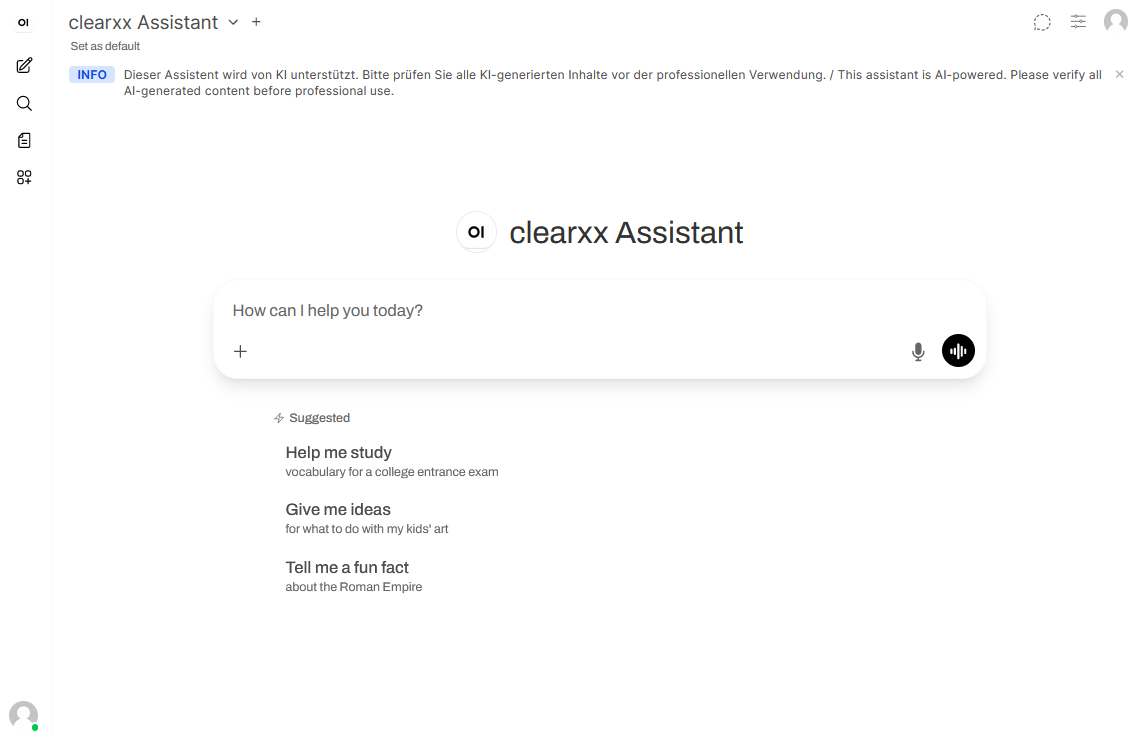
The clearxx Assistant is your very intelligent chat companion. Use it to:
- Discuss
- Plan
- Organize
- Strategize
If you want to build something or do complex analysis on data, use the clearxx Agent & Build Workspace.
The clearxx Assistant is NOT a search engine.
If you need very recent information or in general want to search the internet, use an internet based search engine.
Do not change any of the settings except for those described in the online user documentation. Changing settings that are not allowed to be changed may lead to disruption of the tools.
clearxx Agent & Build Workspace
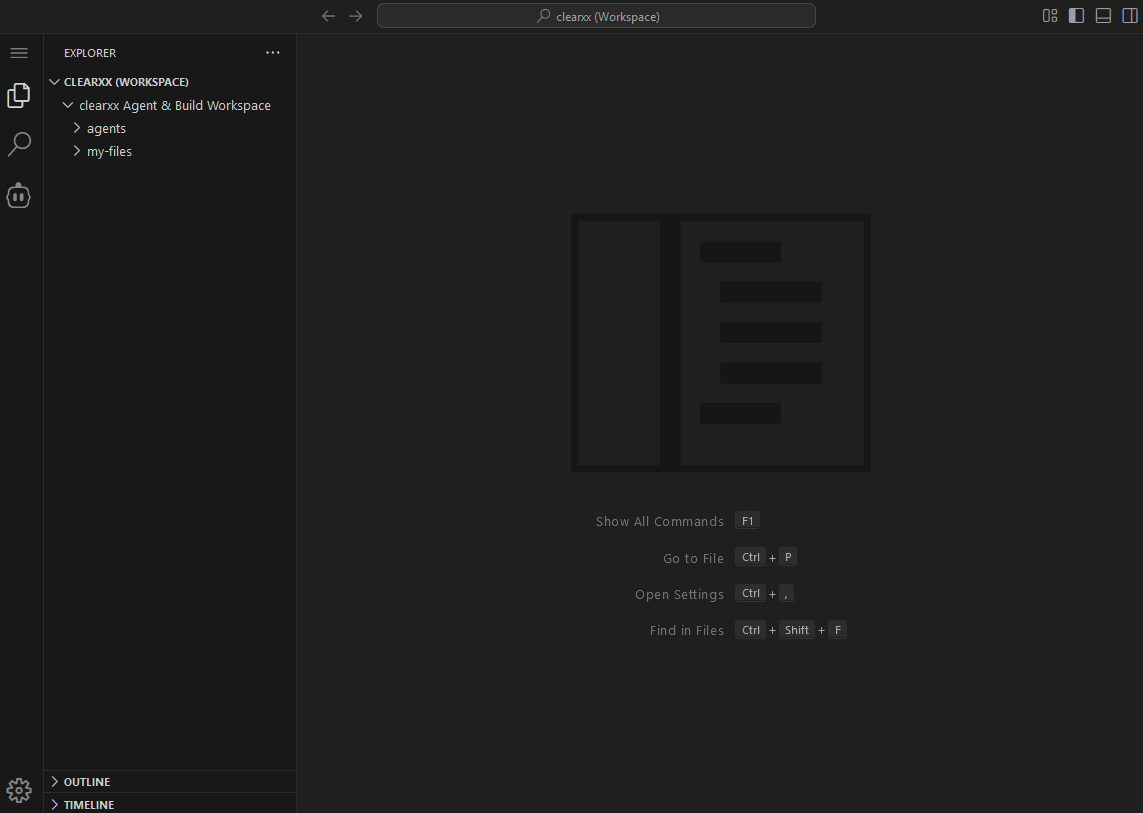
The clearxx Agent & Build Workspace and especially Cline is a very different tool. Use it to build or do complex analysis on data and create things like:
- Lists
- Plans
- Documents of any kind (Excel, htmls, Word Documents etc.)
- Codes and scripts that you can use to automate your work, especially repetitive tasks
Do not change any of the settings except for those described in the online user documentation. Changing settings that are not allowed to be changed may lead to disruption of the tools.
Om Shanti