Search
The Search panels allows you to search through chat history.
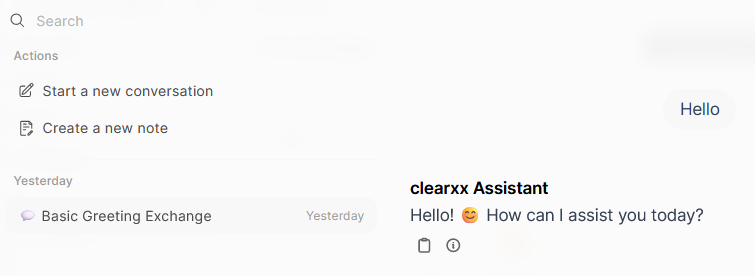
All the chats that are visible on the left side bar menu on the Homepage are displayed here.
Search Options
If you have, for example, archived a chat, you can search for it in the search function at the top of the panel.
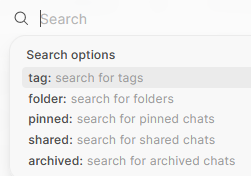
It provides several search options:
- tag
- folder
- pinned
- shared
- archived
If you click on a chat here, it will take you back to that chat on the Homepage where you can continue with that chat.
Delete Archived Chats
To delete an archived chat, search for it, then click on it. It will open up on the Homepage.
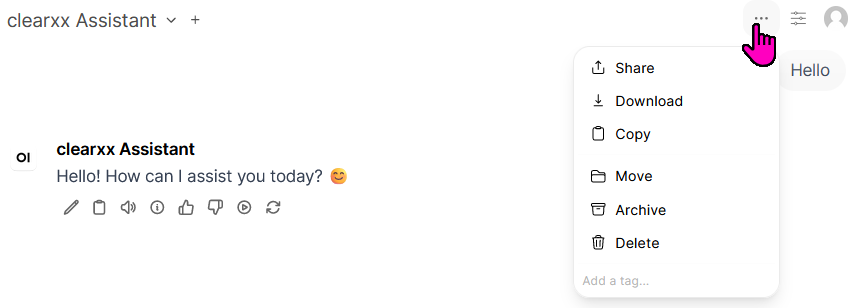
At the top right, click on the three dots. A menu will open and from there you can choose to delete the chat permanently.